1. Software

    This CD-ROM works best with Netscape NavigatorTM 3.0 and better, Microsoft Internet ExplorerTM 3.0 and better, or any other frames capable WWW client that also supports the plugins required. Use is made of the QuicktimeTM plug-in for viewing video clips, and hard-copy output is provided for papers using AcrobatTM.

    (The Keynote addresses, Christine McCarthy's review of Artifice, and Mike Austin's paper contain Quicktime video clips which requires QuicktimeTM.)

    To get the software:

    Netscape Navigator
    Download the Navigator from the Netscape Home Page. At the release of this CD Netscape 3.0 was current, and came bundled with the QuickTime plugin. You will still need to install QuickTime on your system.

    Internet Explorer
    Download MicroSoft's Internet Explorer from their WWW site. Internet Explorer 3.0 for Windows 95/NT has an inate ability to play QuickTime media, we still recommend using the plugin made by Apple.

    QuickTime
    Apple's QuickTime WWW site includes links to the plugins for Navigator and Explorer, as well as the facility to download QuickTime for your particular hardware platform and operating system.
    You need to have QuickTime 2.1 or better on the Macintosh, or QuickTime 2.1.1 or better for Windows.

    QuickTime can be very demanding of system resources, the more memory there is available, the better.

    Acrobat
    Adobe provide the acrobat reader free from their WWW site. The PDF files provided as part of the Interstices CD were created using Acrobat Exchange 2.0.


  2. Organisation

    There are four main sections of the work:

    Keynote addresses by Jennifer Bloomer, Beatriz Colomina and Mark Wigley.

    Text and illustrations from twenty-three papers presented at the conference.

    An exhibition gallery of works in progress, student projects, and related art works.

    Four book reviews.

    From the "Home Page", you may go to any one of these locations by clicking the mouse on the appropriate icon. (The forward link to the new location is indicated on the status bar at the bottom of the Home Page.) You can return to the Home Page by clicking the icon wherever it occurs.

    Alternatively you may jump directly to any particular contribution which you will find listed in alphabetical order in the Contributors index.

    This Help with navigation was accessed by clicking this part of the Home Page.


  3. Keynote Addresses

    The Keynote addresses page displays photographs of Jennifer Bloomer, Beatriz Colomina, and Mark Wigley and titles of their papers. Click on a photograph to access the keynote paper. If instead you click on a name, you will obtain brief biographical information.


  4. Papers

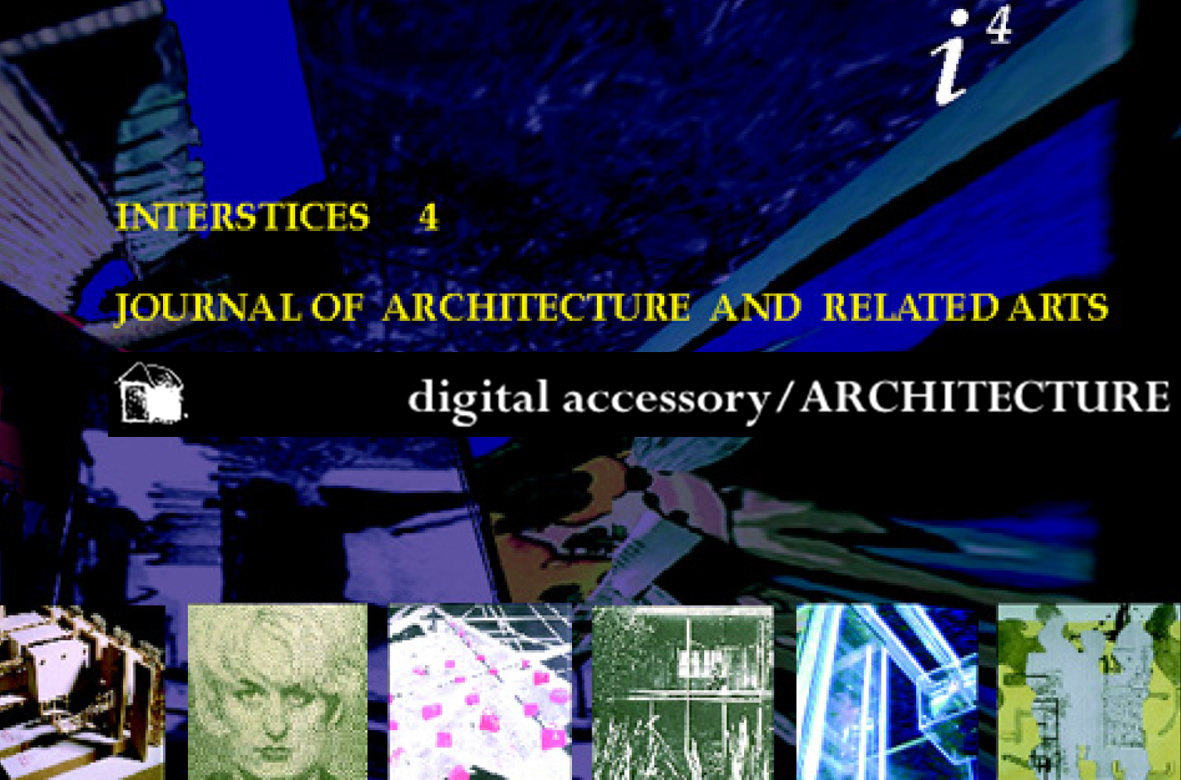
    On the Papers page the papers are coded pictorially providing a visual key to their contents. The title and author of each paper is also indicated in the status bar at the bottom of the page as you move the mouse icon over the visual key. Papers where authors did not supply illustrations are coded with a graphic from the ACCESSORY conference. There is also an Index to all of the papers, which can be accessed by clicking the "pi4" icon in the lower right hand corner.


  5. Exhibition

    The Exhibition is designed in the spirit of a labyrinth. Click anywhere on the exhibition page to enter the labyrinth.

    In general any coloured portion will lead you forward in the labyrinth. The forward location is indicated in the status bar at the bottom of the page.

    In general the icon will move you backwards in the labyrinth.

    Some exhibits have an associated text,

    The icon allows you to exit the labyrinth.


  6. Reviews

    The reviews are arranged very much like the keynote addresses and the papers. The selection of reviews is presented as a pictorial matrix with titles and authors indicated.


  7. General

    Any picture which has a coloured border around it can be clicked on to obtain an expanded view. The expanded view of the picture is produced in a separate window. Close this window when you are finished viewing it, or click on the window behind it if your sceen is big enough. (You may need to use the horizontal and vertical scroll bars to view some of these expanded images.)